What Is Image Analysis? a Complete Guide for 2026
"Learn what is image analysis and how AI processes visual content at scale for social care, moderation, and community operations."
Updated November 4, 2026
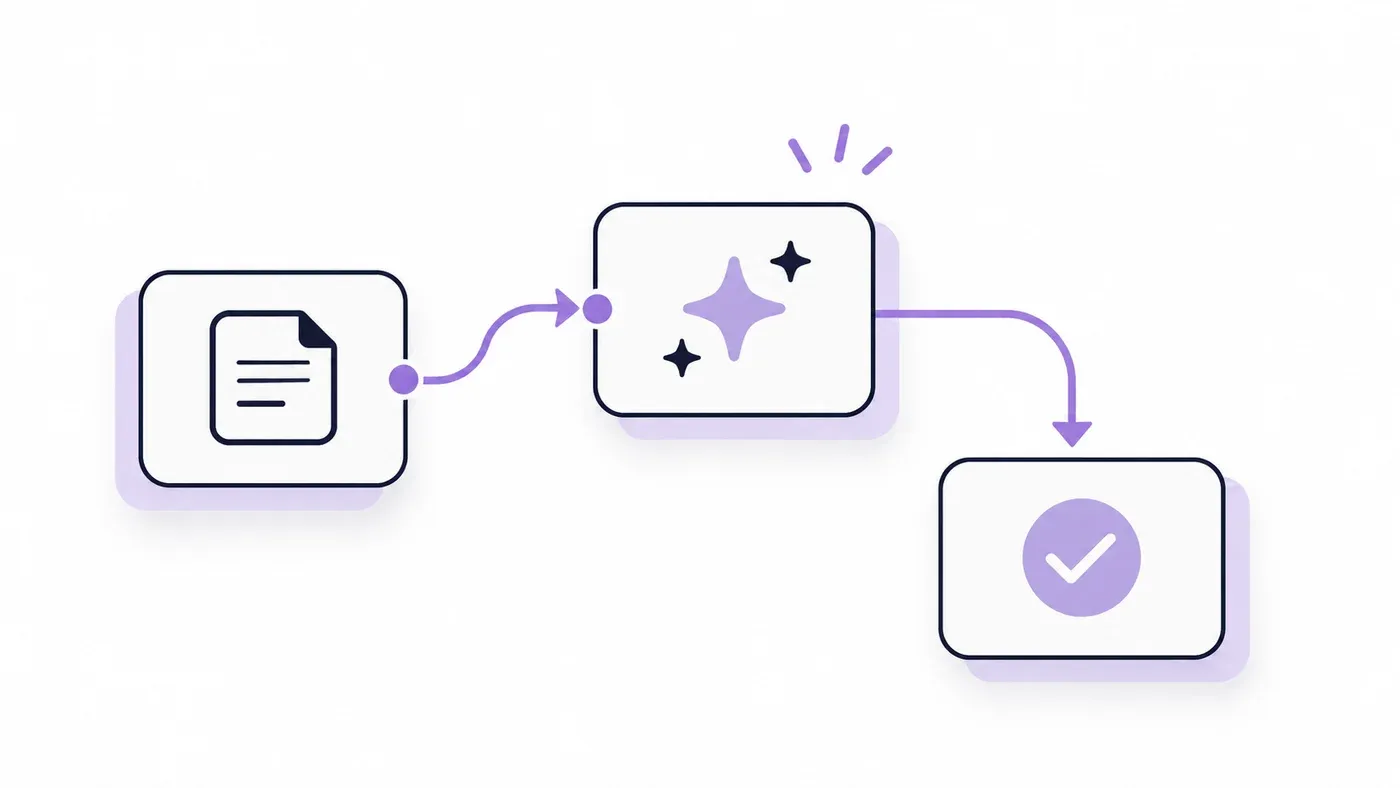
What is image analysis? It's the computational extraction of structured information from visual content, things like captions, tags, objects, faces, text, and brands. In production, that means machines don't just “see” an image, they turn it into signals your team can route, tag, and act on.
A Tuesday afternoon can turn into a visual flood fast. One post with a screenshot, one meme with text burned into the image, and one product photo gone wrong can push a social care queue from manageable to chaotic.
Table of Contents
- When a Brand Crisis Spreads Through Images
- What Image Analysis Is
- How Image Analysis Works in Production Systems
- Image Analysis for Social Care and Community Operations
- Measuring What Image Analysis Delivers
- Privacy and Ethical Concerns in Image Analysis
- Integrating Image Analysis into Enterprise Workflows
When a Brand Crisis Spreads Through Images

At 2 p.m. on a Tuesday, a unified inbox can light up with a wave of angry posts, and the worst ones won't be easy to search. A leaked product photo gets screenshotted, memed, reposted in Discord, and embedded in Instagram stories with text overlays that keyword filters miss entirely.
That's the point where text-only tooling breaks down. If the image carries the complaint, the evidence, or the escalation trigger, your team needs a system that can read the visual itself, not just the caption around it.
Practical rule: If your queue is growing faster than humans can open every post, image analysis stops being a convenience and becomes triage infrastructure.
For social care teams, the pressure comes from speed and variety at the same time. One post may contain a damaged-product photo, another may be a screenshot of a billing charge, and another may be a meme that hides a customer complaint inside the image.
Manual review can catch some of it, but not at the pace of multi-channel monitoring across X, Instagram, TikTok, Discord, Telegram, WhatsApp, and forums. Image analysis gives the inbox a first pass on the visual layer so routing can happen before the queue turns into reviewer fatigue and delayed responses.
What Image Analysis Is

A support team gets a screenshot of a refund dispute, a blurry photo of a damaged package, or a meme that hides the complaint in the image itself. Image analysis turns that visual into measurable data the system can use, whether that means detecting objects, reading text, identifying brand marks, generating captions, or extracting the regions that matter to a downstream workflow.
Image analysis is not image processing
The distinction matters. Image processing changes an image to improve visibility or prepare it for later work, while image analysis extracts numerical information from the image itself, a point made clearly in a university research guide on image analysis (roadmap guide to image analysis). If you sharpen a screenshot or reduce noise, that is processing. If you identify the text inside it, classify the object, or score the content for routing, that is analysis.
That split shows up in daily triage. A queue that only improves image quality still leaves reviewers to decide whether a post belongs with finance, engineering, comms, or trust and safety. A workflow that extracts structured signals can hand those posts to the right team faster, which matters when a unified inbox spans X, Instagram, TikTok, Discord, and forums.
The field is built on measurable structure
Modern statistical image analysis looks at three levels of structure, single pixels, pixel pairs, and image regions. That framing comes from the scientific history of image analysis, which traces back to medical imaging and quantitative science, with development starting in the late 1950s and continuing through later work that treats images as measurable data rather than static pictures (PubMed review).
Image analysis becomes useful when the image is reduced to signals a system can measure, compare, and route.
That is why the question “what is image analysis” matters in operations, not just in theory. The useful version is not “a computer looks at a picture.” The useful version is “a system extracts the exact features your workflow needs, consistently enough to support decisions.”
For teams checking whether an image has been manipulated, practical context also helps. A helpful primer on image authenticity verification tips can sit alongside your internal review rules, especially when you are screening screenshots, edited product photos, or suspicious meme formats.
How Image Analysis Works in Production Systems

In production, image analysis usually runs as a pipeline, not as a single model call. One stage ingests the file, another extracts visual features, another structures the output, and the last stage passes that output into the inbox, queue, or analytics layer. In social care work, that usually means a screenshot, meme, or product photo gets turned into something a triage team can act on quickly.
Microsoft's Azure AI Vision docs are a useful example of how those capabilities get separated by model version. Version 4.0 supports read text, captions, dense captions, tags, object detection, people, and smart crop, while version 3.2 adds brands, faces, image type, color scheme, landmarks, celebrities, adult content, and smart crop (Azure AI Vision overview). That split matters in real workflows, because routing a support screenshot needs different signals than moderating a risky meme or identifying a logo in a community post.
The pipeline has to fit the input
Production systems also have to respect file constraints. Azure documents support for JPEG, PNG, GIF, BMP, WEBP, ICO, TIFF, and MPO, with files under 20 MB and dimensions between 50×50 and 16,000×16,000 pixels (Azure AI Vision overview). That matters for social teams because user-generated content arrives in messy, mixed, and inconsistent formats, and a model that fails on odd uploads creates extra manual review.
The downstream mechanics are equally specific. MATLAB's image-analysis overview groups the field into tasks like finding shapes, detecting edges, removing noise, counting objects, and calculating statistics for texture analysis or image quality (MATLAB image analysis). Those are the operations that turn raw pixels into metadata your inbox can sort on, whether the goal is auto-tagging, escalation, or a faster first pass for moderators.
Speed, detail, and coverage pull against each other
Higher-resolution analysis usually sees smaller details, but it also reduces the field of view and depth of field. HORIBA's ANALYSETTE 28 ImageSizer is a concrete example, with wet-measurement ranges down to about 5 µm and up to 1 mm, a 5-megapixel camera, a maximum measuring speed of 75 images/s, and typical measuring times under 5 minutes (HORIBA ANALYSETTE 28). The same trade-off shows up in social operations. If you push for more detail, you usually give up some throughput, and that choice affects how fast a queue moves when hundreds of image-heavy posts land at once.
The practical answer is to tune the pipeline to the job. Fast classification can route obvious cases, while slower inspection handles edge cases that need sharper detail. Teams that run image analysis at scale live with that split every day, because speed keeps queues moving and accuracy keeps the wrong post from landing in the wrong desk.
Image Analysis for Social Care and Community Operations
A support queue full of images behaves differently from a queue full of text. Billing complaints can arrive as screenshots, outage reports can arrive as error photos, and PR risk can spread through memes where the actual complaint is embedded in the image, not the caption.
That's why image analysis matters in unified inboxes. It can detect brand logos, identify text inside screenshots, flag harmful or inappropriate imagery, recognize faces when moderation or personalization rules allow it, and generate captions that help an intent classifier decide where the post belongs. In a community forum, that might mean routing a feature request from a user-uploaded screenshot to product. In a support channel, it may mean sending a payment issue to finance instead of leaving it in a general queue.
The use case is orchestration, not replacement
Teams handling millions of social posts don't need every image to be “understood” perfectly. They need the first pass to be reliable enough to remove obvious noise, pre-tag the likely intent, and surface the posts that need human judgment. That's where image analysis starts paying off.
Multilingual slang and sarcasm make this even more important. A meme in Spanish, a screenshot in Arabic, or a forum post with a joking overlay can't be treated like a plain caption. The visual and textual parts need to be considered together, because the image often carries the signal.
Operational insight: The best social workflows don't ask image analysis to make the final call on every post. They use it to narrow the field before a human approves escalation.
Spatial resolution, field of view, and throughput still matter here, even though the setting is social care rather than a lab. If your model is tuned for detail, it may catch tiny text in a screenshot but slow down during an outage surge. If it's tuned for speed, it may miss a subtle brand mention hidden in a visual joke.
Sift AI fits that pattern as one option in this stack, because it can filter noise, tag intent, route posts to the right team, and draft replies while humans stay in the loop. That's the practical model for social ops. AI handles the visual triage, people own the hard call.
Measuring What Image Analysis Delivers
The right metrics make image analysis feel less like a black box and more like part of the ops stack. If you're responsible for SLAs, auto-closure, or executive reporting, you need to measure the visual workflow with the same discipline you use for text triage.
Start with workflow outcomes
A strong dashboard should show whether image analysis is cutting manual load. The metrics that matter most are the share of image-driven posts correctly filtered on the first pass, the auto-resolution rate for image-tagged tickets, the change in response time when intent is pre-tagged, and the drop in reviewer fatigue when humans only see the posts that need judgment.
That value depends on reproducible, objective quantification. ScienceDirect describes image analysis as a reproducible and objective way to quantify a specific feature, and its medical-imaging overview also frames it as a way to extract meaningful information from a digital image (ScienceDirect medical imaging overview). In scientific work, that can mean staining intensity or nucleus size. In social operations, it can mean brand exposure, escalation readiness, or the strength of a sentiment signal carried by a screenshot.
Measure the failures too
Accuracy alone hides the problems that matter in production. A model can look strong on a dashboard and still confuse similar logos, misread text in certain fonts, or miss sarcasm in meme formats. Those failures affect routing quality, and routing quality is what your customers feel.
Recent medical literature also warns that deep-learning-based image analysis can show bias and fairness issues, and that evaluation has to go beyond headline performance metrics (PMC article on bias and fairness). That matters outside medicine too. If a model behaves well on one image style and poorly on another, the queue becomes uneven, and the humans on the back end inherit the inconsistency.
| Metric family | What it tells you | Why it matters |
|---|---|---|
| First-pass classification | Whether noise is removed correctly | Reduces manual triage |
| Auto-resolution | How often a post closes without review | Shows workflow impact |
| Response time | How fast the queue moves after pre-tagging | Impacts SLA performance |
| Error distribution | Where the model fails by format or content type | Guides retraining and policy |
Those are the numbers operations leaders can take into an exec review without hand-waving.
Privacy and Ethical Concerns in Image Analysis
The same capabilities that make image analysis useful also make it sensitive. When a system detects faces, recognizes celebrities, identifies brand logos, or extracts text from personal screenshots, it is handling information that may need tighter controls than ordinary content classification.
That matters most in community and support workflows. Users often share private details in images without treating them as data. A billing screenshot can expose account numbers, a profile photo can trigger face detection, and a support DM can include a phone screen full of personal messages.
Fairness is a deployment issue, not a theory issue
Bias in deep-learning-based image analysis is a practical concern because model performance can vary across populations and content types. Reviews of the field, including work discussed by the U.S. National Institute of Standards and Technology, make the same point practitioners see in production. You have to evaluate where the system performs unevenly, not just whether it clears a headline metric.
For social care teams, that means testing across different skin tones, image styles, multilingual text, and mixed media formats before deployment. If a model flags one group's images more aggressively than another's, the workflow becomes uneven, and humans spend time cleaning up preventable errors.
Practical rule: If you cannot explain how the model behaves on the content your community actually posts, you do not have enough validation yet.
Role-based permissions and audit trails matter for the same reason. The person who can view a flagged face, the person who can override a moderation decision, and the person who can export analytics should not always be the same. Human-in-the-loop review is the control that keeps automation useful without handing every sensitive call to a model.
Integrating Image Analysis into Enterprise Workflows
A workable rollout starts with scope, not hype. Decide what you need the system to do, then match the tool to the job, whether that means rich semantic labeling for brand monitoring, text extraction for support screenshots, or stronger captioning for intent classification.
Build the integration around your actual inbox
The first decision is capability. If your team needs brand and face detection, a model version that supports those outputs matters. If you need dense captions or object detection for triage, choose accordingly. The second decision is file handling, because your communities won't send clean studio assets. They'll send screenshots, compressed photos, memes, and cropped images, so file formats and size limits need to match reality.
Then design the workflow around human approval. Image analysis should draft the tag, route, or response suggestion, and a person should approve the cases that affect escalation, trust and safety, finance, or comms. That keeps the system aligned with the way social ops works.
A practical checklist looks like this:
- Match model capability to task: Use semantic labeling where routing needs detail, and use captioning where intent matters more than fine-grained visual labels.
- Check format limits early: Confirm that the images your users post fit the supported file types, size bounds, and dimensions.
- Test on messy content: Use screenshots, memes, multilingual text, and sarcastic overlays, not just clean marketing assets.
- Keep humans in the loop: Let automation pre-tag and draft, then let reviewers approve the hard calls.
- Track operational metrics: Watch noise filtering, auto-resolution, and proactive saves instead of only model scores.
Enterprise controls matter from day one too. Role-based permissions, SOC 2 and ISO readiness, CRM and data sync, audit capabilities, and configurable brand voice all belong in the rollout plan, because image analysis is part of a production workflow, not a side experiment.
If your team is trying to turn screenshots, memes, and image-heavy posts into clean routing signals, Sift AI can help unify that work across social and community channels. It filters noise, tags intent, routes to the right owner, and drafts replies so humans can stay focused on the posts that need judgment. Visit Sift AI to see how image-aware triage fits into a unified inbox.