10 Social Media Intelligence Tools Compared for 2026
"Compare 10 social media intelligence tools for care, comms, and community teams, with pricing signals, honest pros and cons, and a practical buyer checklist."
At 2 a.m., a billing complaint starts climbing the replies under your product launch post. A screenshot of a double charge is circulating on X, and someone in a Telegram group is sharing a fake refund link. Your overnight reviewer has to separate customers who need help from spectators, scammers, and people reposting the same screenshot.
An alert alone won't solve that problem. You need the original thread, the related conversations, an assessment of urgency, and a named owner. Finance needs the payment issue, support needs the customer cases, and comms needs to know whether the complaint is becoming a broader reputational problem.
Social media intelligence tools differ most in what happens after they find a signal. Some help analysts explain why conversations are changing. Others connect intelligence to enterprise workflows, while response-focused platforms help teams triage, route, draft, and resolve individual conversations.
For social ops leaders accountable for SLAs, reviewer load, and auto-closure rate, that distinction matters more than a long feature list. The tools below fall into three practical buying groups:
- Monitoring and research: Brandwatch, Meltwater, Talkwalker, YouScan, and Brand24.
- Enterprise suite routing: Sprinklr, Sprout Social, and Emplifi.
- Response and care operations: Sift AI and Khoros Iris AI.
These aren't interchangeable purchases. Choose the platform that supports the decision your team must make, then test the handoff rather than stopping at the dashboard.
Table of Contents
- 1. Sift AI
- 2. Brandwatch Consumer Research
- 3. Sprinklr Social Listening
- 4. Meltwater Consumer Insights
- 5. Talkwalker Social Listening
- 6. Sprout Social Listening
- 7. Emplifi Social Intelligence
- 8. Khoros Iris AI
- 9. YouScan
- 10. Brand24
- How the 10 tools compare on fit, pricing visibility, trials, and visual listening
- Matching the Tool to the Job Your Queue Actually Needs
1. Sift AI
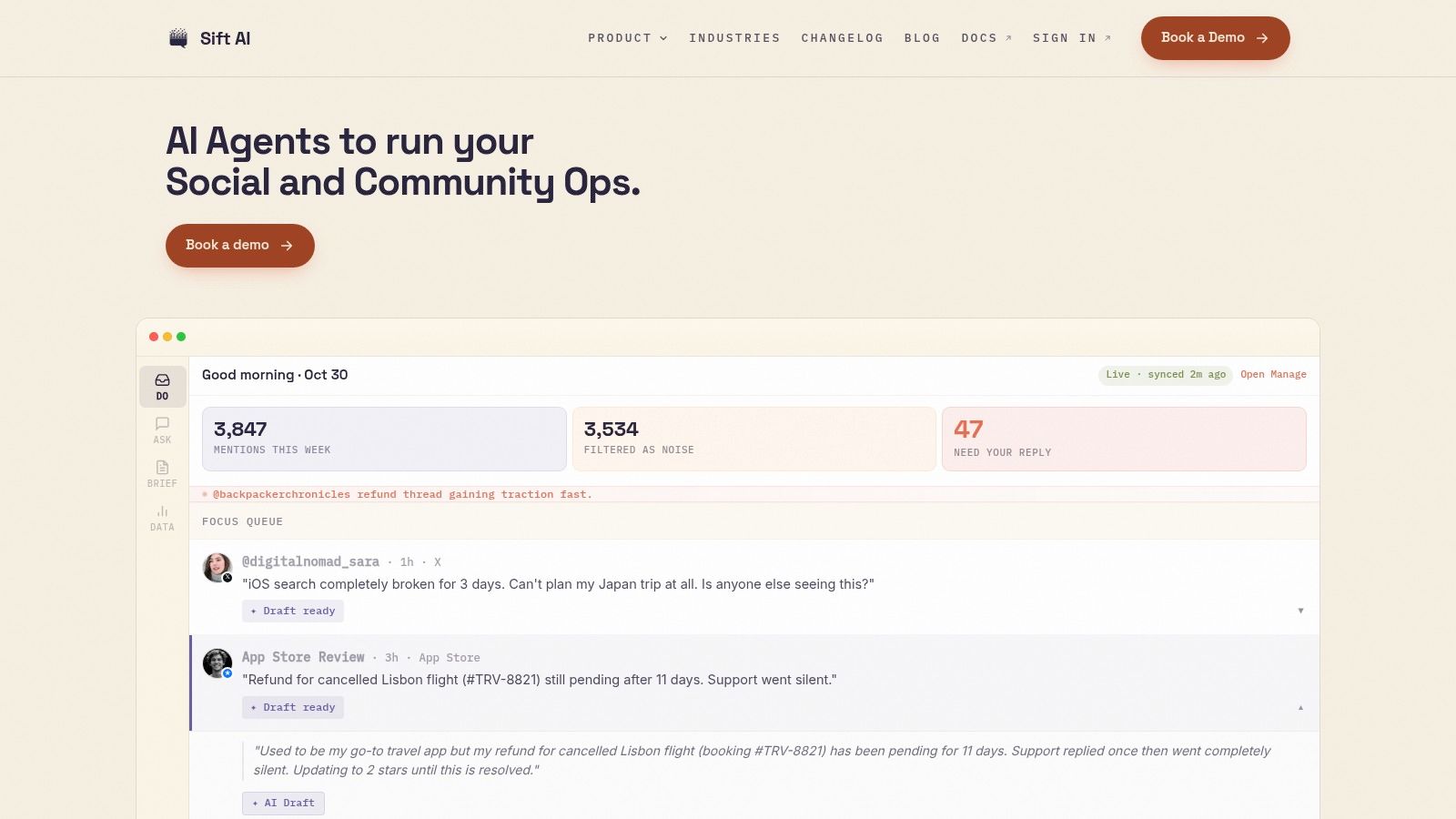
Best fit for response and care operations. Sift AI brings social and community conversations into one command center, where context-aware agents help teams triage and route issues. It covers X/Twitter, Instagram, WhatsApp, Telegram, Discord, Facebook, and forums.
The queue focuses on intent and urgency, not just mention volume. Agents filter noise and identify customer issues, then route them to the right owners in finance, engineering, or communications. AI-drafted replies, configurable brand voice, and approval controls help reviewers handle routine conversations while keeping sensitive decisions under human review.
Where It Fits the Queue
For a double-charge complaint, teams can route the case to finance and distinguish it from unrelated discussion or broader public criticism. Set clear approval rules for refunds and crisis messaging; use automation for routine triage where the workflow allows it.
Sift also provides analytics on noise filtered, auto-resolution, and proactive saves. Multilingual and multimodal understanding helps interpret context such as slang, sarcasm, images, and memes, rather than relying on keywords alone.
- Strengths: A unified inbox, auto-tagging, routing, and escalation support social care workflows across channels. Drafted replies and configurable brand voice help teams respond consistently.
- Enterprise evaluation: Sift describes role-based permissions, audit controls, CRM and data sync, and SOC 2 and ISO readiness. It lists Lyft, Coinbase, and Circle among its customers.
- Trade-offs: Pricing isn't public. Teams need to configure routing and review automation against their own approval rules and SLAs.
Shortlist Sift when the queue needs clearer ownership and faster resolution, rather than deep historical consumer research. In a demo, follow an ambiguous complaint from triage through routing, approval, and resolution, and ask how the team measures auto-closure rate.
2. Brandwatch Consumer Research
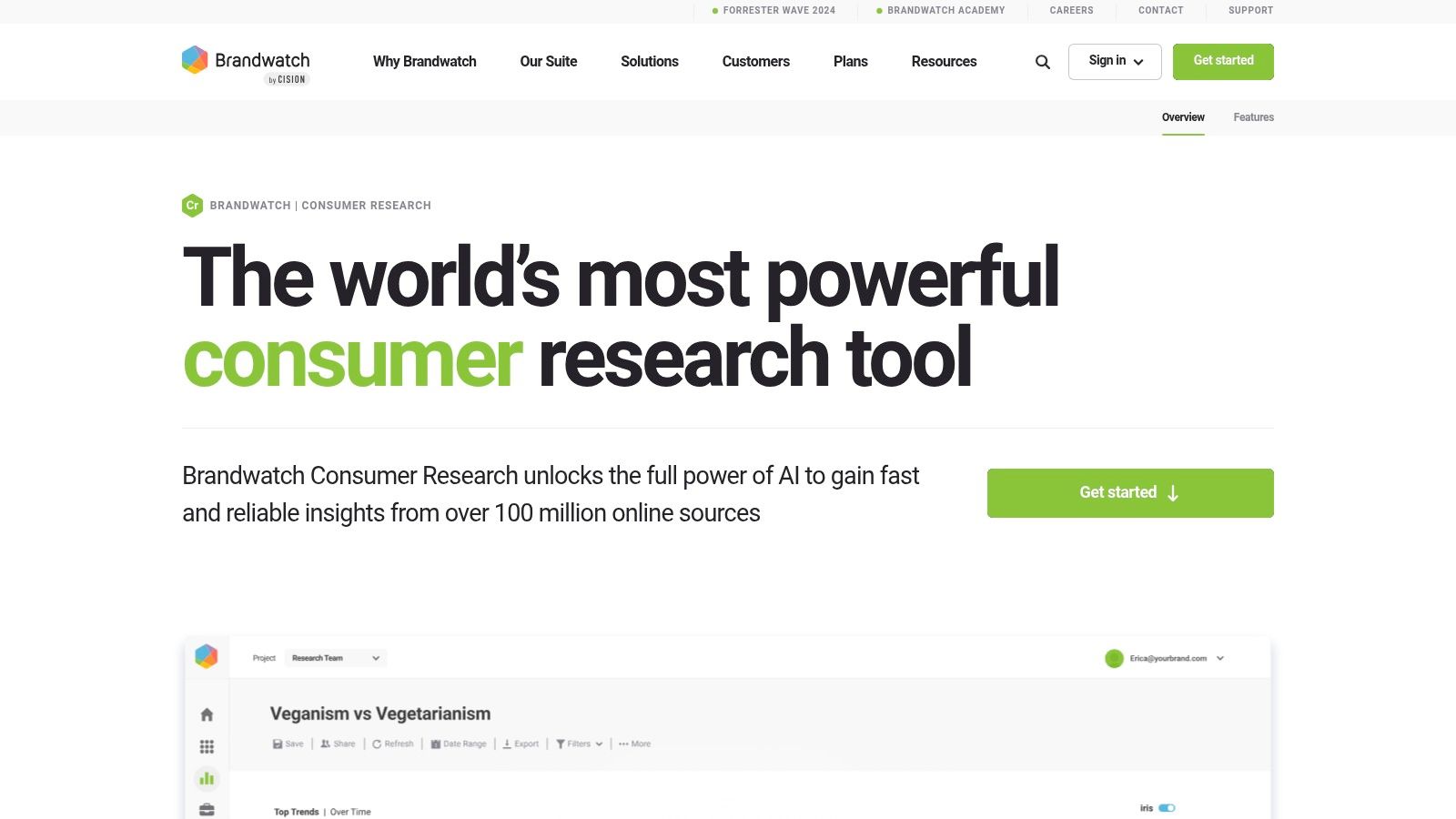
Your executive team asks whether billing complaints reflect a new defect or a longstanding frustration. Brandwatch Consumer Research belongs on the shortlist for that investigative job.
Its historical conversations, customizable visualizations, custom classifiers, and AI-supported categorization support questions beyond a preset sentiment dashboard. Analysts can explore social media, forums, reviews, news, and blogs, then combine public conversations with uploaded first-party data.
The strength is research flexibility. Separate complaints about duplicate charges from refund delays, compare the language customers use, and examine whether competing brands face similar concerns. Alerts and reporting help distribute findings, but an analyst still needs to define the question and inspect the underlying conversations.
A rise in negative mentions isn't a diagnosis. Separate the issue types before deciding which team needs to act.
For operations leaders, the limitation is product scope. Brandwatch has a separate social engagement offering, so don't assume Consumer Research alone supplies the response workflow your care team needs.
- Works well for: Historical benchmarking, competitive intelligence, trend analysis, and explaining changes in conversation.
- Requires effort: Query design, classifier tuning, onboarding, and analyst interpretation.
- Confirm before buying: Public pricing isn't listed. Establish which engagement products and integrations are included, and whether a finding can become an assigned case without manual copying.
Choose it for why the conversation changed. Validate the operational handoff separately.
3. Sprinklr Social Listening
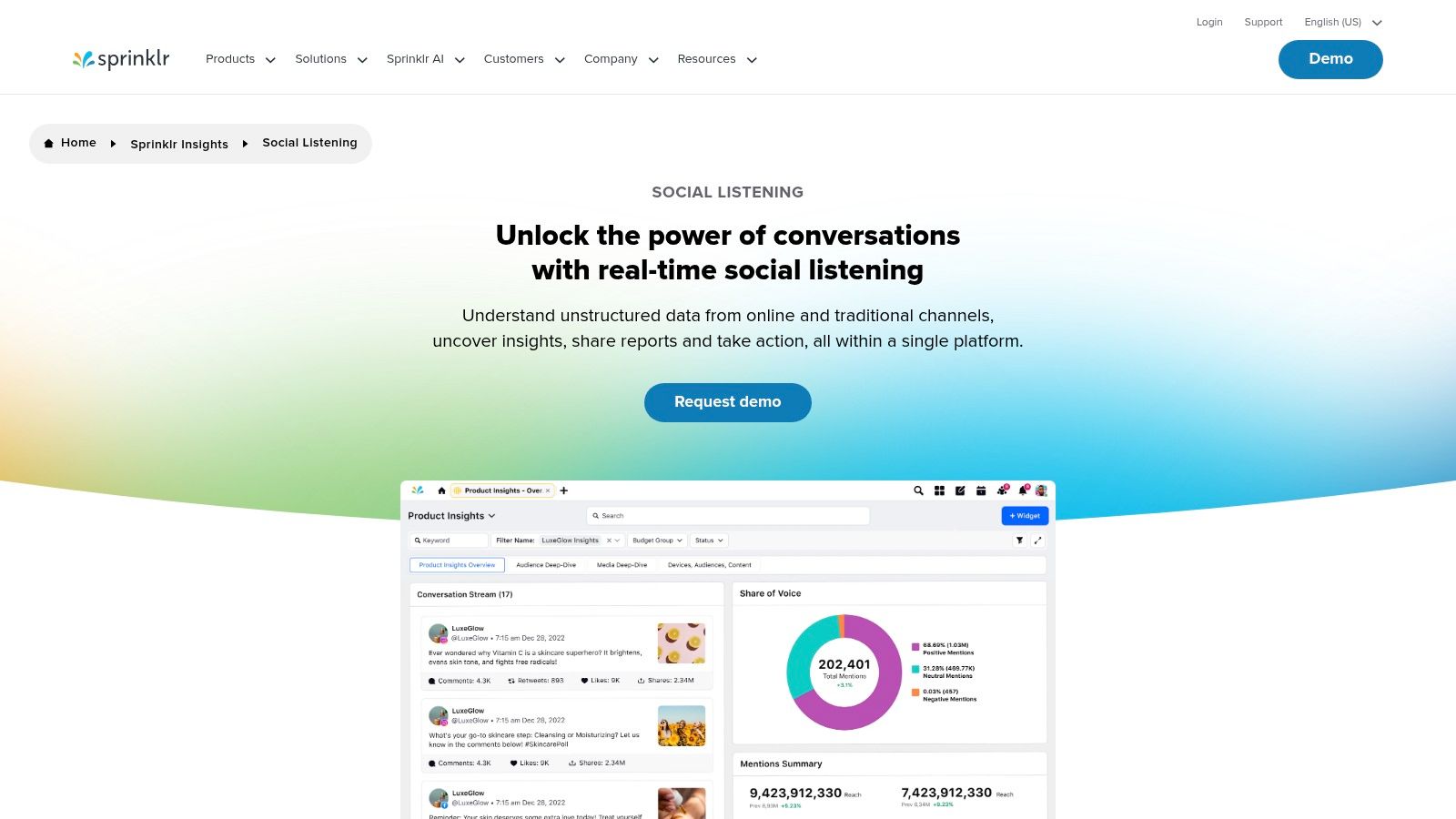
Sprinklr Social Listening is an enterprise-suite option for organizations that need intelligence connected to coordinated customer-experience workflows. It combines social and digital monitoring with visual-content detection, classification, sentiment and emotion analysis, topic filtering, and anomaly alerts.
That breadth matters when an outage creates support demand, executive questions, and reputational risk at the same time. Different teams need different views, but they shouldn't have to reconstruct the incident independently.
Test the Ownership Rules
Ask Sprinklr to demonstrate how an emerging topic becomes operational work. A support complaint should reach care; evidence of a service defect should reach engineering; a journalist's question should reach comms with the surrounding context intact.
Enterprise governance and reporting are reasons to evaluate it, especially where multiple teams and regions share responsibilities. Competitor benchmarking and trend detection also support the insights function.
The trade-off is implementation complexity. A broad suite won't remove the need to define queue ownership, permissions, escalation rules, and approval responsibilities.
- Strong fit: Large datasets and multi-team operations that need coordinated action alongside intelligence.
- Potential mismatch: Teams seeking only lightweight social research or a narrowly scoped inbox.
- Commercial check: Pricing is quote-based. Compare modules, data volume, services, and integrations rather than treating the proposed suite as a single undifferentiated product.
Don't accept a dashboard demonstration as proof of routing. Require the assigned team to receive, acknowledge, and work the case.
4. Meltwater Consumer Insights
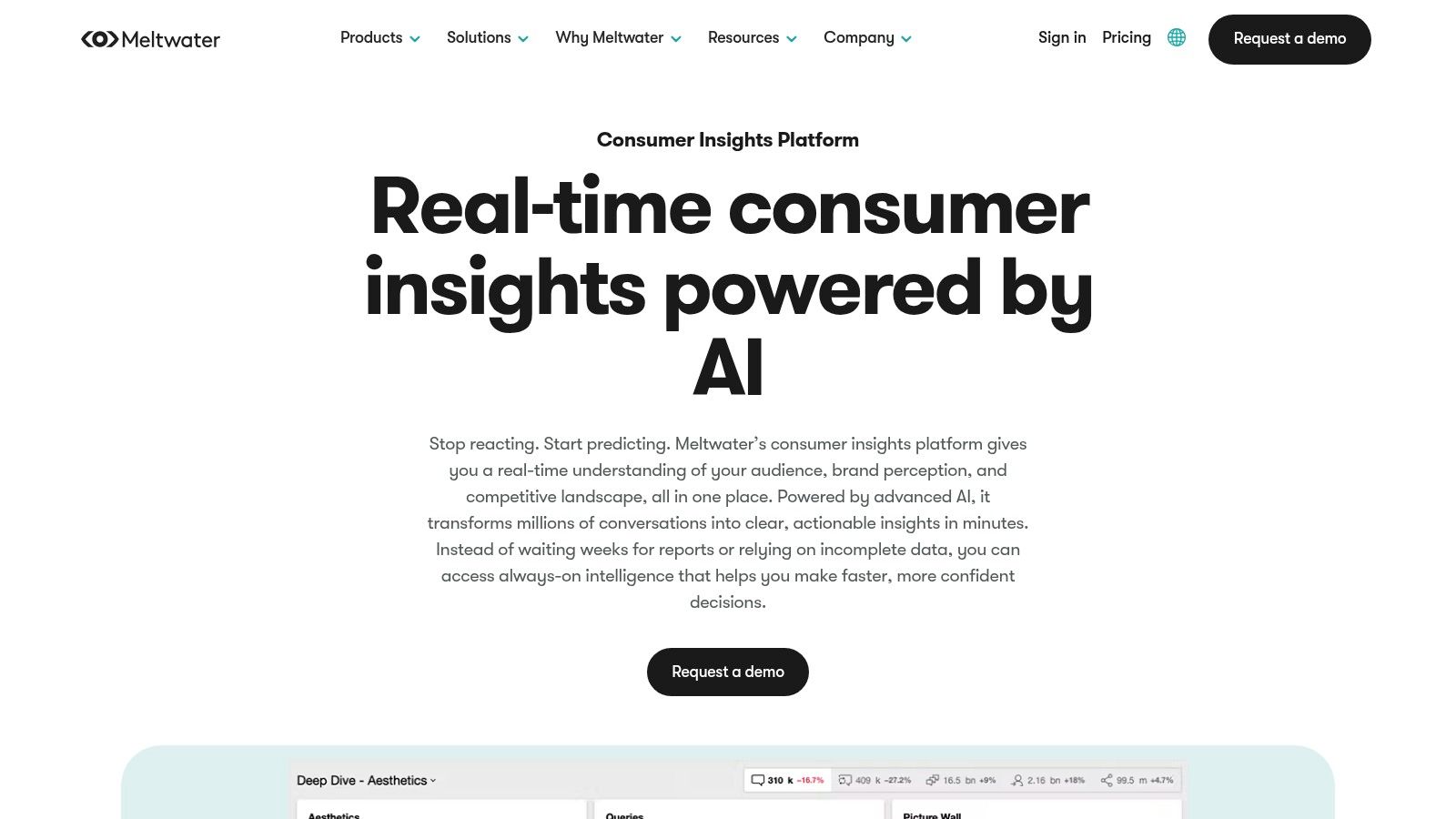
A billing complaint changes character when reporters start covering it. Meltwater Consumer Insights is worth evaluating when your reporting must connect customer conversations with news and broader media coverage.
The offering spans social media, online news, blogs, forums, reviews, and podcasts. Sentiment and emotion analysis, trend detection, competitive benchmarking, and configurable dashboards help comms and insights teams assess the surrounding narrative.
For a social ops leader, the useful distinction is customer demand versus media amplification. Your care queue needs individual cases; your incident briefing needs an explanation of what audiences and publishers are discussing. Keep those outputs separate so a heavily reposted story doesn't become a misleading count of affected customers.
- Advantages: Social and editorial coverage can be assessed together, making Meltwater relevant to PR, marketing, communications, and insights.
- Connections: APIs and integrations can move intelligence into other tools, but confirm the actual fields and destination workflow.
- Limits: Pricing depends on modules, users, coverage, and contract scope. There's no listed self-serve free trial, so request a guided demonstration using your own questions.
The broader media-intelligence suite may exceed what a team needs for social-care signals alone. Buy it for the cross-media analysis, not because media coverage automatically makes a tool suitable for account-level resolution.
For global programs, verify regional and language coverage against the markets your executives expect to see represented.
5. Talkwalker Social Listening
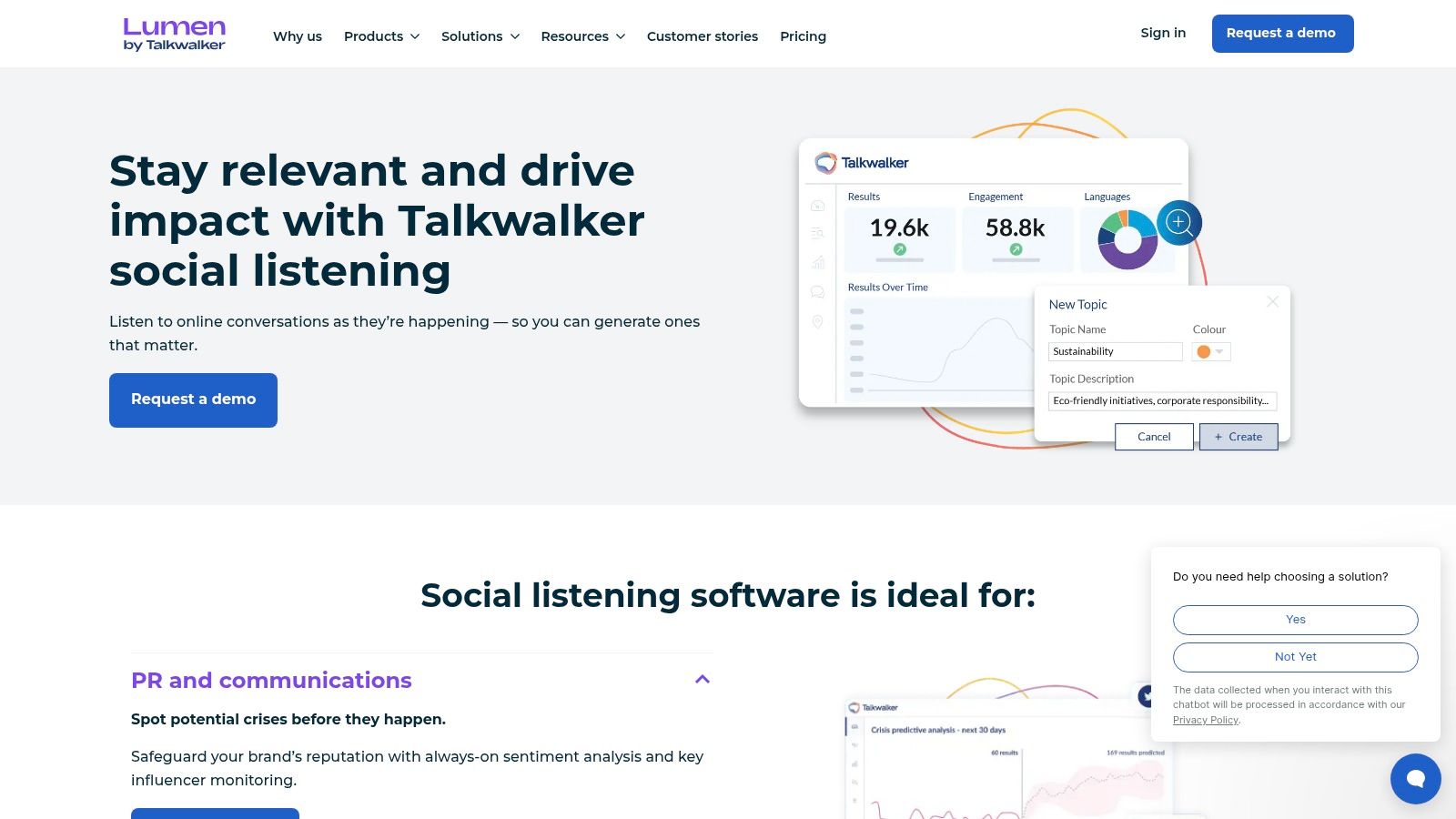
Text queries won't find every relevant brand reference. A screenshot, product image, or spoken mention may contain the important context without a matching caption.
Talkwalker Social Listening combines social and web monitoring with visual listening, multilingual analysis, audience research, and competitor analysis. Custom dashboards, real-time alerts, and conversation-cluster exploration make it a candidate for international research programs.
Evaluate More Than Coverage Labels
Bring examples from the markets and formats you need to monitor. Ask whether the system can find the brand reference, preserve its context, and distinguish discussion of your product from unrelated visual matches.
An ACM survey of social-media AI detection methods reports that multimodal systems combining text, metadata, and contextual signals can improve accuracy by roughly 5–10% over text-only baselines in the studies reviewed. That isn't a Talkwalker performance claim; it supports testing multimodal analysis rather than assuming text coverage is sufficient.
Talkwalker's advantage is discovery across formats and markets. Its trend-sharing capabilities can help analysts distribute findings to regional teams.
The costs are configuration effort and a sales-led evaluation. Pricing is custom, and buyers should verify coverage for each priority channel, market, and content type.
For care operations, insist on an additional demonstration: how does a discovered image or video reference reach an accountable reviewer? Finding the reference and resolving the customer issue remain different jobs.
6. Sprout Social Listening
Sprout Social Listening is a practical suite option when your team wants topic research alongside publishing and inbox workflows. Its Query Builder supports analysis of brands, keywords, industries, trends, campaigns, and sentiment.
The buying distinction is straightforward: Listening is a paid add-on, not something to assume is included in a standard social-management subscription. Reporting and dashboard access also depend on plan and permissions.
For an operations pilot, follow a public complaint through acknowledgement, private handoff, and case ownership. In a consumer survey cited by Sprout Social's customer-service statistics guide, 51% of people who contact a brand publicly expect public acknowledgement before the conversation moves into a private direct message.
Workflow rule: A private reply shouldn't leave a public billing complaint looking unanswered.
Sprout's appeal is having research and everyday social activity within the same vendor platform. That can reduce tool switching, but it doesn't guarantee every listening result behaves like an owned-channel inbox message.
- Useful combination: Topic analysis alongside publishing, engagement, and reporting.
- Coverage caveat: Source availability varies, with sampling or other limits on some networks.
- Trial check: Sprout advertises a 30-day platform trial on its features site, but confirm Listening access before planning the evaluation.
- Historical check: Location-level analysis and backfill may be limited or require separate arrangements.
Choose it when suite consolidation helps your workflow, then inspect the boundary between listening results and actionable care items.
7. Emplifi Social Intelligence
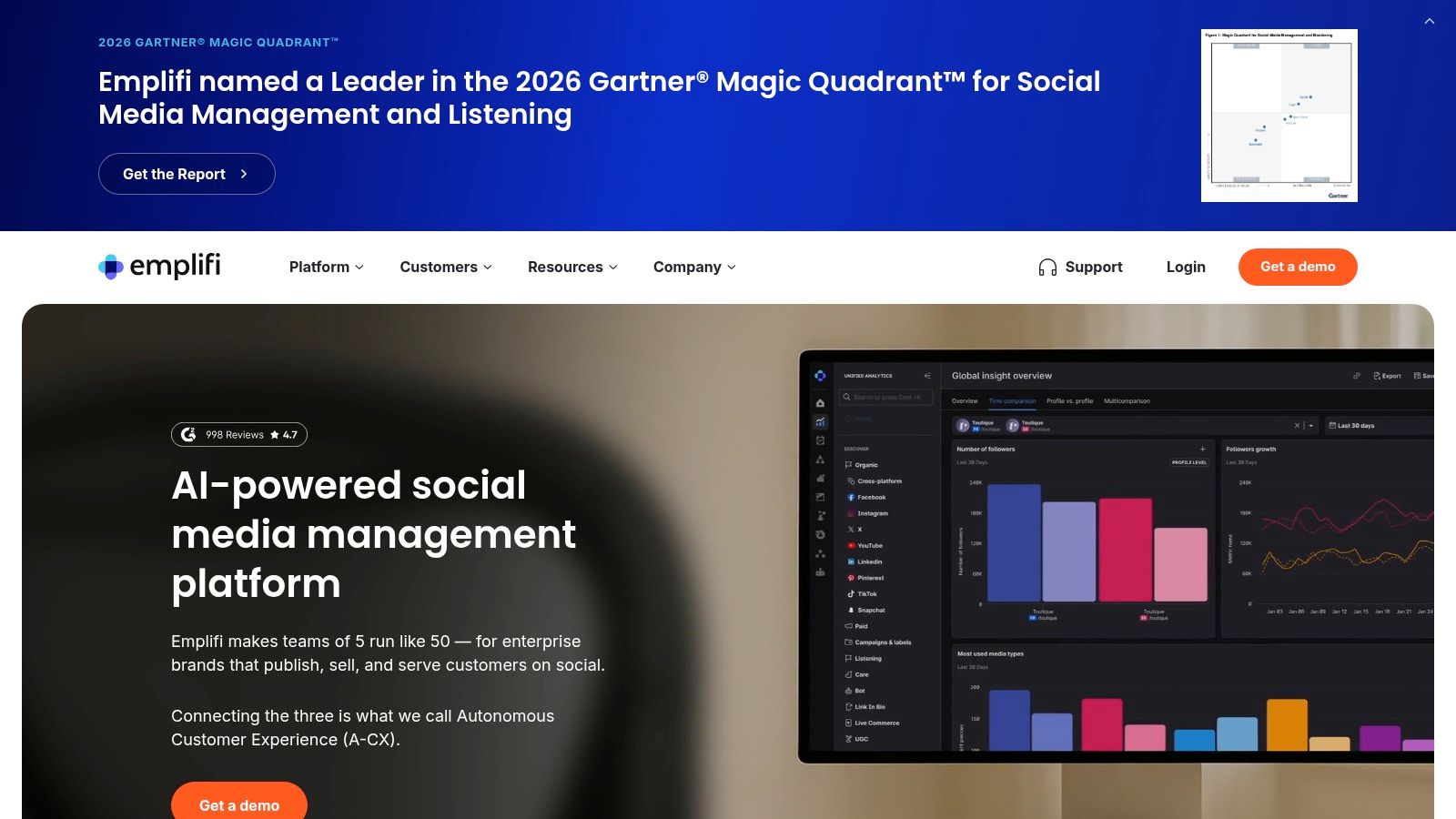
Faster review is useful only if reviewers can verify the summary. Emplifi Social Intelligence combines listening and brand intelligence with AI summaries, spike alerts, sentiment analysis, and competitor benchmarking within a broader customer-experience platform.
That positioning suits operations leaders who need to brief marketing, community, PR, and care from a shared set of conversations. A summary of an outage surge can provide the starting point for an incident update, while underlying posts remain necessary for escalation decisions.
Keep the Human Handoff Visible
In Emplifi's social customer-care report, 67% of consumers in its 2025 survey of nearly 1,000 U.S. consumers preferred interacting with a human rather than AI for social-media customer support. Treat that as a reason to evaluate handoff quality, not to reject AI-assisted triage or drafting.
Ask reviewers to inspect summaries for omitted themes, mistaken sentiment, and unsupported conclusions. Then check whether they can reach the original conversation without losing their place in the queue.
- Strength: Intelligence sits alongside social-management and customer-experience capabilities.
- Operational benefit: AI summaries can help reviewers manage large conversation volumes before examining priority cases.
- Procurement limits: Collection and backfill vary by channel, Reddit listening is listed as an add-on, and packaging isn't a simple public self-serve purchase.
Confirm the required modules before comparing costs. The relevant question isn't whether Emplifi summarizes a spike, but whether your team can turn that summary into reliable assignments.
8. Khoros Iris AI
Khoros Iris AI connects listening, publishing, moderation, engagement, and analytics in an AI-native social-management product. Its AI-assisted routing and response recommendations make it relevant when the buying priority is action after detection.
For a multilingual care queue, test the same intent expressed through formal language, sarcasm, and community slang. A customer saying a launch is sick shouldn't automatically enter a negative-sentiment escalation path.
A Springer study of social-media sentiment analysis addressed slang, emojis, sarcasm, negation, misspellings, and code-mixing in its processing approach. The procurement implication is practical: test contextual classification, not just literal keyword matches.
- Where it fits: Teams seeking listening connected to engagement and response recommendations.
- Community distinction: Aurora AI provides separate customer-community capabilities. Don't assume every community workflow is included in Iris AI.
- Transition option: Khoros says customers can run Iris AI alongside an existing Khoros platform during transition.
- Buying caution: Pricing and packaging aren't public, and evolving positioning makes availability and included capabilities important to clarify.
The wider platform may be unnecessary for lightweight listening. For enterprise response operations, ask the team to demonstrate reassignment, approval, and escalation under ambiguous conditions.
A convincing recommendation isn't enough. The reviewer needs the context, authority, and controls to accept or override it.
9. YouScan
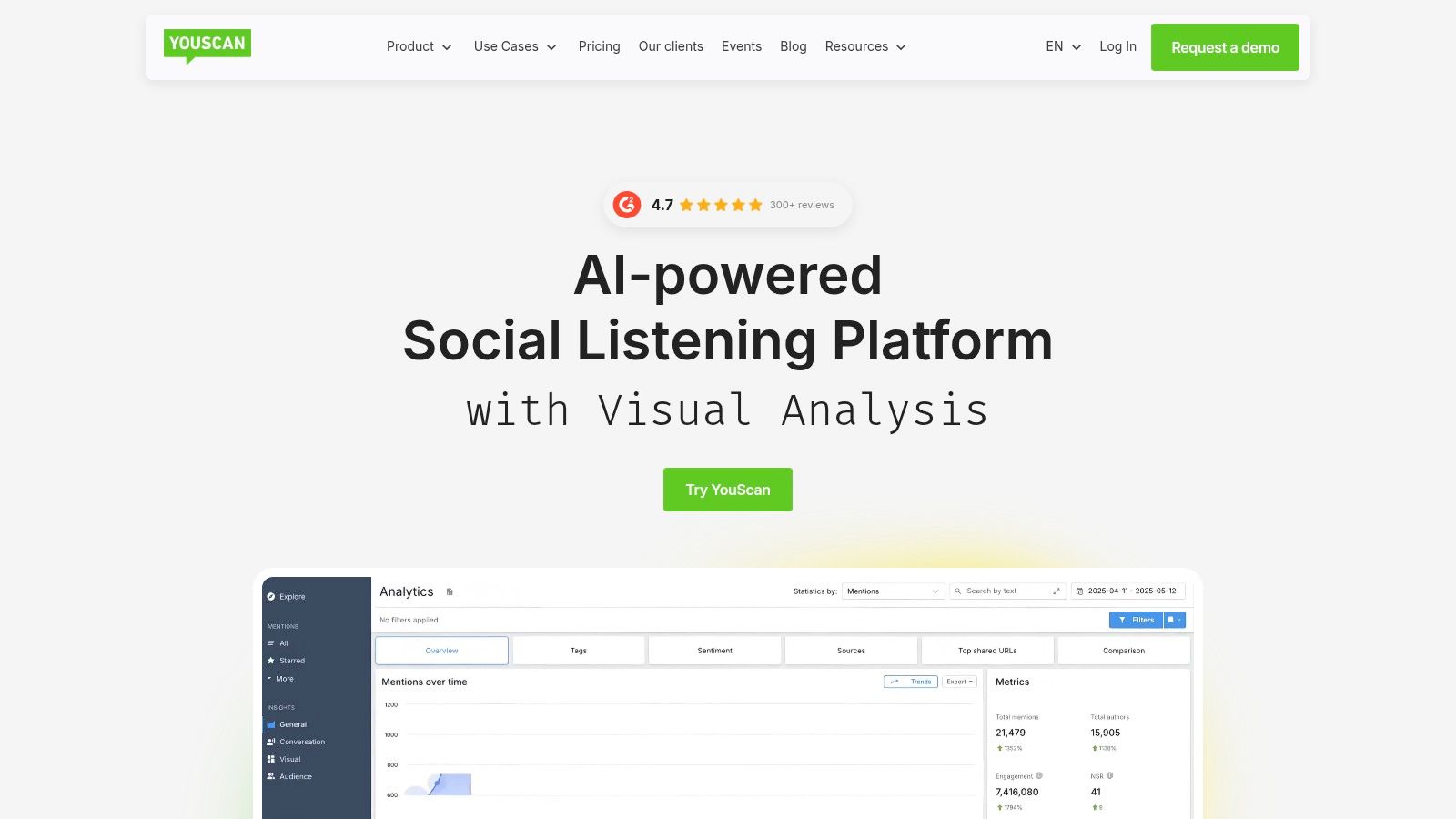
A product photo can reveal a complaint that never names your brand in text. YouScan specializes in visual intelligence, combining social listening with image recognition, logo detection, and analysis of audience attitudes and conversation context.
It also offers audio monitoring and summaries for spoken brand mentions in YouTube videos. That makes it worth evaluating when user-created images and video conversations are central to your customer signals.
Use Visual Evidence Carefully
Say customers post photos of damaged packaging without tagging your account. Visual analysis may help locate relevant examples, but a reviewer still needs to establish whether the product is yours, whether the complaint is current, and whether the person needs support.
A detected logo is a lead, not a confirmed defect report. Preserve the post and surrounding discussion before forwarding an issue to product or engineering.
- Distinctive strength: Visual analysis can surface brand appearances that text searches miss.
- Additional input: YouTube audio monitoring provides another route into video conversations.
- Plan dependency: Some visual-analysis capabilities depend on plan or add-on access.
- Evaluation limit: Check available networks, content types, and queries directly. The product page doesn't present a straightforward public price list.
YouScan is better evaluated as a specialist intelligence source than assumed to be a full social-care operating system. Require a demonstration of export, alerting, or integration behavior if another platform will own the customer case.
Its value depends on whether visual discovery fills a genuine gap in your existing coverage.
10. Brand24
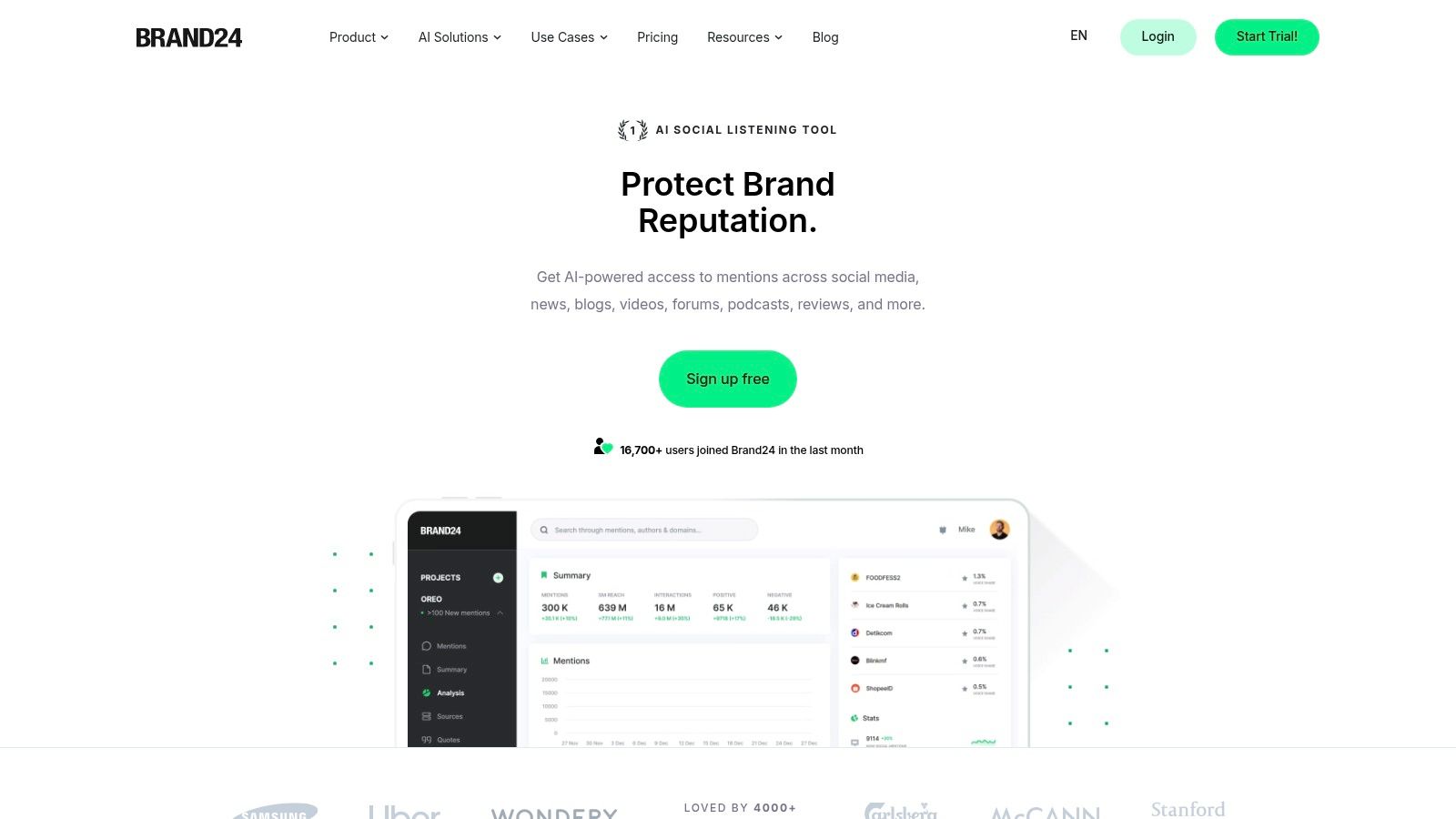
Brand24 offers a lower-friction starting point for public-mention monitoring. Published pricing tiers make budget comparison easier than a sales-led enterprise evaluation, while dashboards cover mention volume, reach, sentiment, and influence.
Its monitoring spans social platforms, news, blogs, forums, reviews, and podcasts. Alerts and AI features vary by tier, so select the plan around the workflow you need rather than the most attractive headline feature.
For a focused billing-complaint project, test brand-name variants, product names, refund language, and exclusions for unrelated matches. Review the actual posts before deciding whether a spike represents affected customers, commentary, or repeated copies.
Don't rank operational urgency by influence alone. A low-reach account can still report a serious payment problem.
- Accessible evaluation: Brand24 offers a 14-day free trial, according to its website, allowing teams to test queries before purchasing.
- Clearer budgeting: Published plans specify tracked-keyword and monthly-mention limits.
- Scaling constraint: Those limits may become restrictive during high-volume incidents or broad monitoring programs.
- Operational boundary: Brand24 is primarily a monitoring and insights tool, not a complete enterprise care operating system.
Confirm source coverage, refresh frequency, and AI availability for the selected tier. Also establish who receives an alert and who owns the next action.
Brand24 can suit smaller teams or bounded research projects. It won't remove the need for a separate case-management process when complaints require secure account investigation, cross-functional routing, and resolution tracking.
How the 10 tools compare on fit, pricing visibility, trials, and visual listening
| Item | Best for | Pricing visibility | Free trial | Visual listening |
|---|---|---|---|---|
| Sift AI | Social support, community care, and voice-of-customer insights | Not public; demo required | Not listed | Not specified |
| Brandwatch Consumer Research | Historical consumer research and competitive insights | Not public; sales-led | Not listed | Not specified |
| Sprinklr Social Listening | Enterprise listening and coordinated workflows | Quote-based | Not listed | Yes; visual-content detection |
| Meltwater Consumer Insights | Combining social listening with media monitoring | Custom; depends on scope | No self-serve trial listed | Not specified |
| Talkwalker Social Listening | Global research across text, images, video, and audio | Custom; sales conversation required | Not listed | Yes; images, video, and audio |
| Sprout Social Listening | Teams combining social management and topic research | Listening is a paid add-on | 30-day platform trial; listening access should be confirmed | Not specified |
| Emplifi Social Intelligence | Social insights connected to customer experience workflows | Not listed as a simple public plan | Not listed | Not specified |
| Khoros Iris AI | Enterprise teams connecting listening with social engagement | Not public | Not listed | Not specified |
| YouScan | Visual social listening and user-generated content research | Not presented as a public list | Not listed | Yes; images, logos, and YouTube audio |
| Brand24 | Teams seeking accessible monitoring and transparent plan comparisons | Public tiered pricing | 14 days | Not specified |
Matching the Tool to the Job Your Queue Actually Needs
Choose by the decision you need to make after a signal appears. If you need research depth and historical context, start with the listening platforms. If your team must triage, route, and answer conversations across channels with SLAs and auto-closure targets, prioritize response operations.
Brandwatch supports investigative depth; Meltwater connects social discussion with broader media; Talkwalker and YouScan deserve attention when formats beyond text matter. Sprinklr, Sprout, and Emplifi connect intelligence with broader suites, while Sift AI and Khoros Iris AI warrant evaluation around operational handoffs.
Before buying, run a two-week pilot on a real spike, such as a billing complaint wave or scam campaign. Treat that duration as a practical evaluation window, not a promised implementation timeline, and compare tools against the same permitted conversations.
What to Measure Before Signing
- Time to route: Measure from ingestion to assignment to the correct owner, not merely to alert delivery.
- Reviewer load: Track irrelevant items, duplicate reviews, reassignment, and the effort needed to correct tags or drafts.
- SLA performance: Separate acknowledgement from meaningful response and final resolution.
- Auto-closure quality: Audit closed items for missed support demand, reopened cases, and inappropriate exclusions.
- Governance: Verify permitted collection, role-based access, retention, audit trails, and deletion across stored conversations and derived summaries.
For the billing workflow, route account investigation to support and finance, preserve public context for comms, and move sensitive details into an approved private channel. For a scam wave, preserve the suspicious link, escalate to trust and safety, and require approval for public warnings rather than allowing an agent to improvise.
Don't optimize for maximum automation. A Customer Experience Dive report summarizing an Emplifi survey found that more than four in five respondents wanted brands to disclose AI use. Make disclosure, human escalation, and reviewer overrides part of the workflow design.
Keep the executive rollup equally disciplined: issue themes, affected workflows, routing failures, resolution status, and decisions needed. Separate public conversation volume from verified customer cases so executives don't mistake attention for impact.
If your adjacent requirement is identifying prospective accounts rather than handling customer conversations, LeadBeast's guide to sales intelligence tools addresses that different buying job. For social operations, the winning tool is the one that helps the right person act with sufficient context and clear accountability.
Sift AI brings social and community conversations into a unified inbox, filters noise, tags intent, routes issues, and drafts replies while humans retain control of sensitive decisions. Visit Sift AI to book a demo around your billing, outage, or scam-response workflow and evaluate the path from detection to accountable resolution.